Guns and Dragons Tools
Compare your PC to official specs and prepare for the Steam playtest.
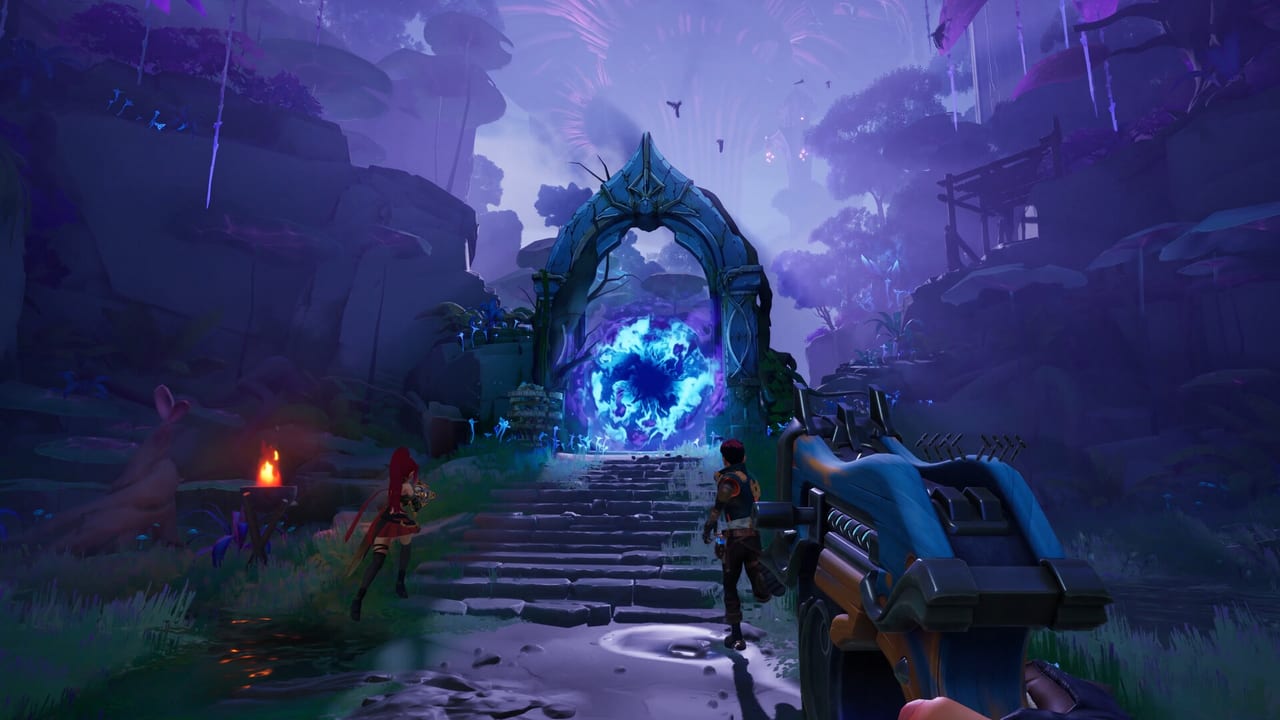
Guns and Dragons runs on Windows 10 64-bit with DirectX 12 and an online broadband connection for co-op playtests. Before you click Request Access on Steam—still available through August 10, 2026—it helps to know whether your hardware meets ABUTTON’s minimum bar, how far you sit from recommended settings, and what to tweak for a stable first session. This Tools Hub gathers practical PC prep resources—starting with our full spec reference and Steam Deck status—so you spend less time troubleshooting drivers and more time testing rune builds.
Featured tool: system requirements
The anchor page is System Requirements. It reproduces Steam’s official minimum and recommended tables for Guns and Dragons (app ID 4687860), adds side-by-side comparison notes, and includes a playtest setup checklist covering GPU drivers, storage, network, and co-op voice chat basics.
Use that page when:
- A friend asks if their laptop can join your trio for the July 30–August 10, 2026 playtest.
- You are choosing between low settings on minimum hardware versus upgrading RAM before launch.
- Steam Deck interest pushes you to check why handheld support is still marked coming soon.
We refresh the tables if ABUTTON revises store listings; cross-check Updates Hub for spec changes tied to new builds.
Featured tool: Steam Deck
Steam lists Steam Deck support as coming soon—not yet verified at the August 2026 playtest. The dedicated Steam Deck Guide explains what that label means, why handheld play may differ from desktop DirectX 12 performance, and what to check if you experiment anyway during the remaining playtest window.
Use the Steam Deck page when:
- You want portable sessions before Valve verification lands.
- You need to compare Proton expectations against minimum GPU tables on System Requirements.
- You are deciding whether to wait for official Deck support or upgrade a desktop PC first.
Why hardware prep matters for playtests
Playtest clients are often less optimized than retail releases. A machine that barely clears minimum specs may stutter in dense co-op fights or Unreal Engine particle effects, creating a false negative impression of the game’s quality. Recommended specs exist partly to showcase higher fidelity in trailers—not everyone needs an RTX 2080, but knowing the gap helps set graphics expectations.
Online co-op adds network stability as a hidden requirement. Steam lists broadband internet; we expand that in the system requirements page with practical ping and NAT notes before you invite two friends on Wi-Fi.
Tools versus guides: where to go next
Tools answer can my PC run it; guides answer what do I do after install.
| Need | Go to |
|---|---|
| Spec tables and checklist | System Requirements |
| Steam Deck coming-soon status | Steam Deck Guide |
| Request Access walkthrough | Playtest Guide |
| First-run loop explanation | Getting Started |
| Combat and progression depth | How to Play |
| Squad coordination | Co-op Guide |
| Keybind reference | Controls |
| Playtest dates and news | Playtest News |
After your PC passes the checklist, read How to Play for rune, artifact, and camp systems, then branch into Builds and Weapons when you start theorycrafting loadouts.
Playtest PC tips (quick reference)
These bullets complement the full checklist on the system requirements page:
Update GPU drivers before downloading the Unreal build. AMD and NVIDIA both ship game-ready drivers that fix DX12 crashes common in early tests.
Free 10 GB on an SSD if possible. Steam lists 10 GB storage; SSD improves shader compile and level load times during repeated runs.
Close browser tabs and RGB suites to reserve RAM. Minimum spec is 8 GB system memory; recommended is 12 GB—background apps eat into that headroom.
Use wired Ethernet for co-op nights when you can. Wi-Fi works for many players but amplifies desync frustration in fast horde modes.
Set expectations for Steam Deck. Until Valve verification moves beyond coming soon, treat handheld play as experimental—details in Steam Deck Guide.
Capture feedback, not just FPS. If performance fails, note resolution, preset, and party size when reporting to ABUTTON—helps distinguish spec issues from netcode bugs.
Future tools we may add
As Guns and Dragons approaches launch, this hub could grow with sensitivity calculators, build planners, or drop-rate trackers if ABUTTON publishes reliable data. During the first playtest, spec comparison and setup checklists deliver the most value with the least guesswork.
Related pages
- System Requirements — full min/rec tables
- Steam Deck — handheld coming-soon status
- Playtest Review — preview impressions and performance context
- Wiki Links — official Steam and Discord URLs
- Updates Hub — schedule changes affecting download windows
Run the checklist once before the playtest invite arrives and again after major GPU driver updates. A smooth first launch makes it easier to judge Guns and Dragons on its mechanics—not on a thermal-throttling laptop fighting Unreal Engine for the first time.
Frequently Asked Questions
Quick answers to the most common questions.
What is the main tool on this hub?
Start with [System Requirements](/tools/system-requirements/) for official Steam min/rec tables and a playtest PC checklist.
Can Guns and Dragons run on Steam Deck?
Steam lists Steam Deck support as coming soon. Read [Steam Deck Guide](/tools/steam-deck/) for current status and [System Requirements](/tools/system-requirements/) for desktop specs.
Do I need a GPU for the playtest?
Yes. Minimum specs require a GTX 1060 6 GB or RX 6500 XT class GPU with DirectX 12. See the full table on [System Requirements](/tools/system-requirements/).
Where are playtest download steps?
Hardware prep lives here; access steps are in [Playtest Guide](/guides/playtest/) and [Playtest News](/updates/playtest-news/).