Guns and Dragons Controls
Keyboard, mouse, and controller input for ABUTTON's Unreal Engine roguelite FPS.
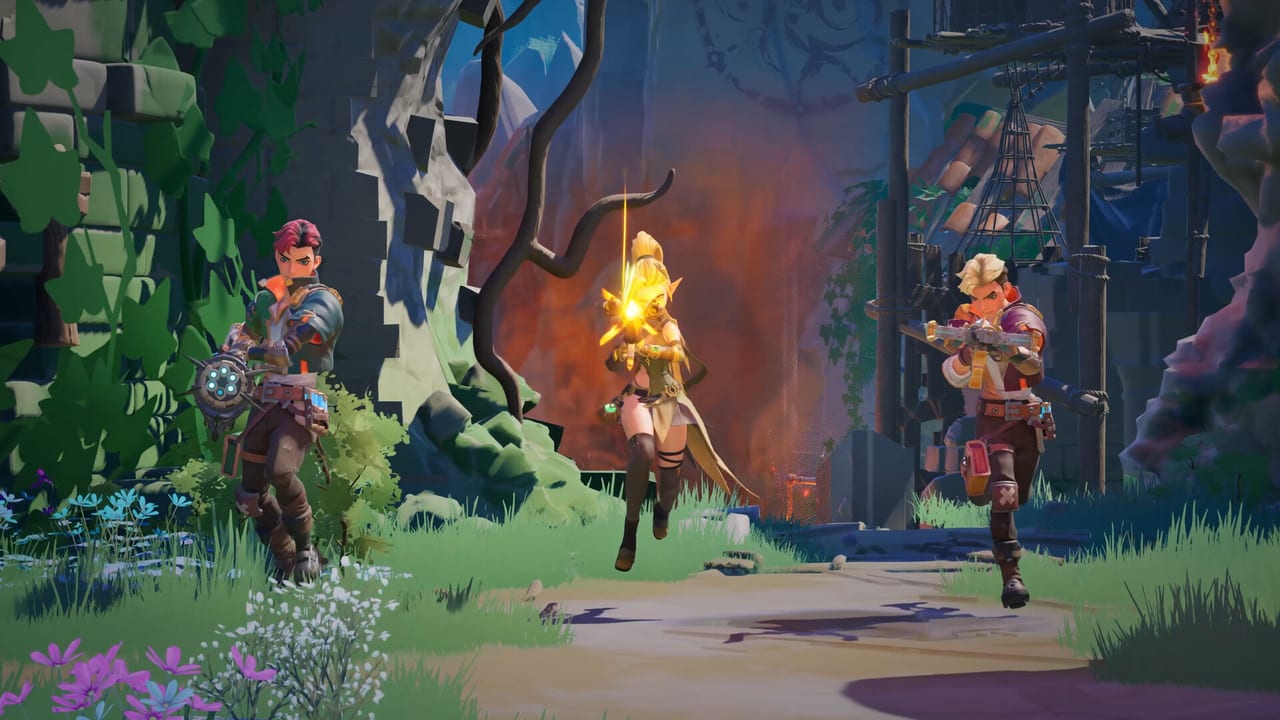
ABUTTON Inc. has not published a final public key chart for Guns and Dragons ahead of every playtest patch, but Steam lists full controller support including DualShock and DualSense alongside standard Windows PC input. The game runs on Unreal Engine, so menus, rebinding, and baseline first-person controls follow familiar shooter conventions. This guide gives you a practical default map for the July 30–August 10, 2026 playtest so you can enter runs confidently, then customize in settings once you are in-client.
Pair this page with How to Play for combat flow and Playtest for hardware requirements.
Important note about playtest builds
Playtest executables may rename actions or add temporary debug binds. Treat the tables below as expected defaults, not legal guarantees. Open Settings → Controls (or equivalent) immediately on first launch and verify bindings. Report incorrect defaults on official Discord (discord.gg/ubyEsuCSky) with your build version.
Keyboard and mouse — expected layout
| Action | Default (expected) | Notes |
|---|---|---|
| Move forward / back / strafe | W / S / A / D | Standard FPS |
| Sprint | Left Shift | Release to aim carefully |
| Jump | Space | Useful for uneven dungeon terrain |
| Crouch | C or Left Ctrl | Check both in settings |
| Primary fire | Left Mouse Button | Firearms and bows |
| Aim down sights | Right Mouse Button | Precision for snipers and crossbows |
| Reload | R | Timing matters during horde waves |
| Melee / bash | V or F | If enabled on current weapon |
| Interact / use | E | Altars, doors, camp objects |
| Ability 1 / 2 / 3 | Q / numbers | Skill slots if unlocked in-run |
| Grenade or utility | G | If utility items are active in build |
| Inventory / map | Tab or I | Verify in menus |
| Ping / mark | Middle Mouse or Z | Valuable in Co-op |
Mouse settings
- Sensitivity — Start near 30–50% of your main competitive shooter, then adjust after testing revolver flick shots vs sniper scopes.
- Invert Y — Personal preference; Unreal titles usually expose toggle.
- Aim sensitivity multiplier — Lower ADS sens for crossbow headshots on elites.
- Raw input — Enable if available to reduce acceleration quirks on Windows 10.
Low sensitivity helps track fast magitech projectiles during co-op VFX clutter.
Controller — expected layout
Steam confirms full controller support, including DualShock and DualSense with complete button coverage—not a keyboard-emulation stub. Typical Unreal FPS mappings:
| Action | Xbox / DualSense (expected) |
|---|---|
| Move | Left stick |
| Look | Right stick |
| Sprint | Left stick click (L3) |
| Jump | A / Cross |
| Crouch | B / Circle or right stick click |
| Fire | Right trigger (RT / R2) |
| Aim | Left trigger (LT / L2) |
| Reload | X / Square |
| Interact | Y / Triangle |
| Skills | Bumpers or D-pad |
| Ping | D-pad up or touchpad click |
DualSense haptics may accent magitech weapons—disable if distracting during long playtest sessions.
Rebinding and profiles
Unreal games typically offer:
- Per-action rebinding for keyboard and controller
- Separate sensitivity sliders for X/Y and ADS
- Optional toggle vs hold for sprint and crouch
Create a solo profile and a co-op profile if ping and mark bindings differ by habit. Export screenshots of your layout if you switch PCs between playtest days.
Menus and camp navigation
Between runs, camp / offshore base UI uses the same confirm/back keys as combat menus:
- Confirm — Enter / A / Cross
- Back — Escape / B / Circle
- Navigate — Arrow keys or D-pad
Camp spending mistakes hurt meta-progression more than mis-clicks in combat; slow down when investing resources described in Camp and Base.
Accessibility features on Steam
Steam lists several accessibility options for Guns and Dragons that go beyond generic genre advice. Check Settings each patch because playtest builds may expose features gradually:
- Adjustable Text Size — enlarge HUD labels, altar reward text, and camp menu fonts if default UI feels cramped on smaller displays.
- Camera Comfort — reduce motion-heavy camera effects during sprint, knockback, or magitech explosions; pair with lower screen shake in video options.
- Custom Volume Controls — separate sliders for master, music, SFX, and voice help when co-op VFX spam drowns callouts.
- Adjustable Difficulty — if exposed in-client, use difficulty presets to learn weapon families before pushing deeper biomes.
- Playable without Timed Input — relevant for players who need to pause at altar screens or avoid strict button-mash QTEs; verify which interactions still require holds during the playtest.
These sit alongside rebinding and controller support. Steam also lists full DualShock and DualSense integration—not partial glyph swaps—so PlayStation players should expect native face-button layouts after calibration.
Accessibility considerations (general)
- Colorblind modes — Check video settings each patch; not confirmed pre-launch but common in ABUTTON’s genre peers.
- Subtitles — Steam lists English full audio; enable captions for skill callouts if available.
- Motion sickness — Combine Camera Comfort with reduced FOV shake, disable head bob if exposed, and lower screen effects when three-player magitech spam fills the screen.
- Remap hold actions — Toggle sprint helps players with stamina-heavy movement tests.
Co-op communication binds
Even without native voice, assign a fast ping key before queuing with friends. Mark elites, altar choices, and extract votes clearly—see Co-op. Push-to-talk outside the game (Discord/Steam overlay) avoids binding conflicts.
Pre-session checklist
- Update GPU drivers for DirectX 12 stability (Playtest specs).
- Launch game → open Controls → verify fire, aim, interact, and ping.
- Test firing range or first room with chosen weapon class.
- Switch controller vs mouse before committing to a deep run.
When official charts release
ABUTTON may publish definitive bindings on Steam news or Discord when the playtest stabilizes. This wiki page will align with those charts when verified. Until then, in-client settings beat outdated forum screenshots.
Related guides
- How to Play — what to do once inputs feel correct
- Getting Started — platforms and playtest overview
- Guides Hub — full guide index
Comfortable controls let you focus on altar decisions and magitech weapon evolution—the systems Guns and Dragons is built to showcase.
Frequently Asked Questions
Quick answers to the most common questions.
Does Guns and Dragons support controllers?
Steam lists full controller support, including DualShock and DualSense. Rebind in Settings after launching the playtest client.
Can I rebind keys in Guns and Dragons?
Unreal Engine titles typically allow full rebinding. Open Controls on first launch—playtest patches may add or rename actions.
What are the expected movement keys?
WASD move, Space jump, Shift sprint, and C or Ctrl crouch are standard. Verify in-game because playtest builds can differ.
Is there a ping button for co-op?
Expect middle mouse or Z on keyboard and D-pad options on controller. Confirm in settings before [Co-op](/guides/co-op/) sessions.
What accessibility features does Guns and Dragons support?
Steam lists adjustable text size, camera comfort, custom volume controls, adjustable difficulty, and playable without timed input. Verify each in Settings during the playtest.
Where are official final key charts?
ABUTTON has not posted a complete public chart yet. Use in-client bindings during the playtest and watch Steam news for updates.